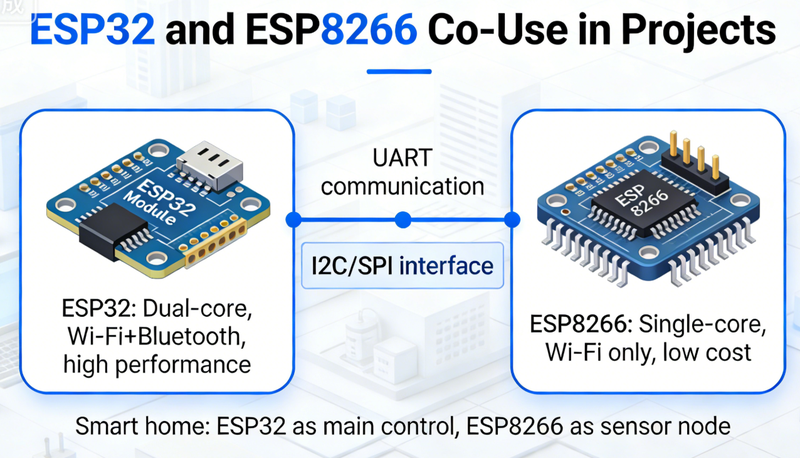
知乎回答
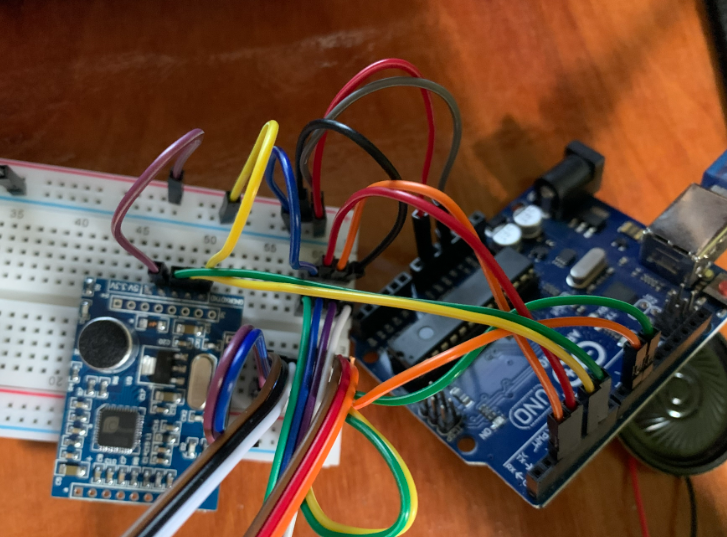
This tutorial provides a step - by - step guide on making a smart home control system using the Arduino Uno R3. It includes component requirements, hardware connection, code writing, uploading, and testing, suitable for electronics enthusiasts and DIYers.
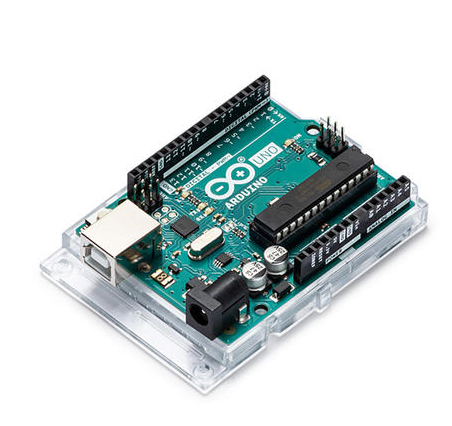
This guide offers a detailed overview of writing code for an Arduino Uno to work with a temperature sensor. It covers the basics, step - by - step code writing, code explanation, troubleshooting, and optimization, making it suitable for DIY electronics projects.
Arduino UNO is a microcontroller board based on the ATmega328P. It has 14 digital input/output pins (of which 6 can be used as PWM outputs)
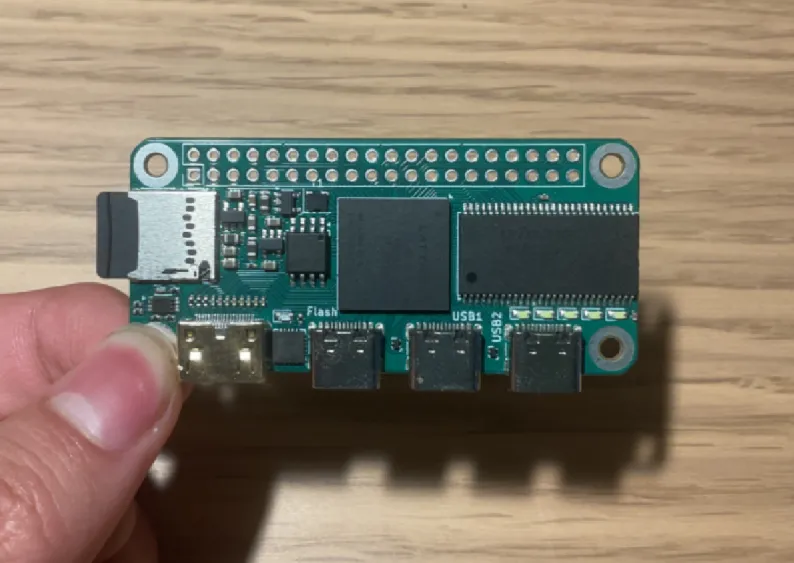
This article explores the practical application scenarios of Icepi Zero in IoT, edge computing, and education. It also presents case studies to illustrate its effectiveness in real - world projects.
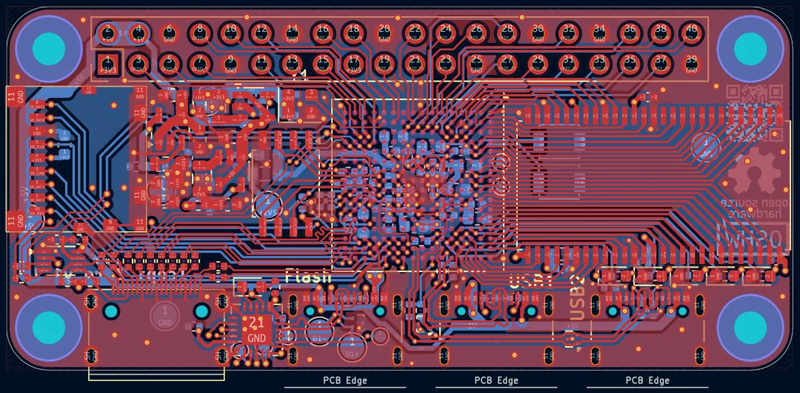
Analyze the suitability of the Icepi Zero for industrial control applications, including its advantages, limitations, and mitigation strategies.
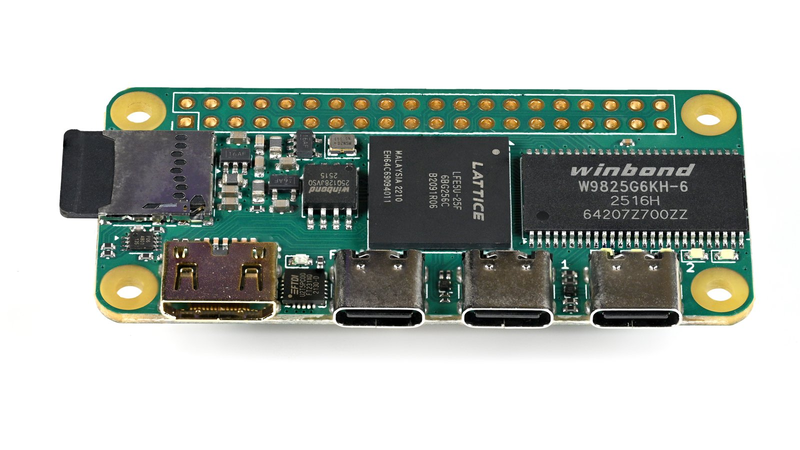
Learn about the Icepi Zero, including its hardware features, software compatibility, use cases, advantages, and limitations for different projects.
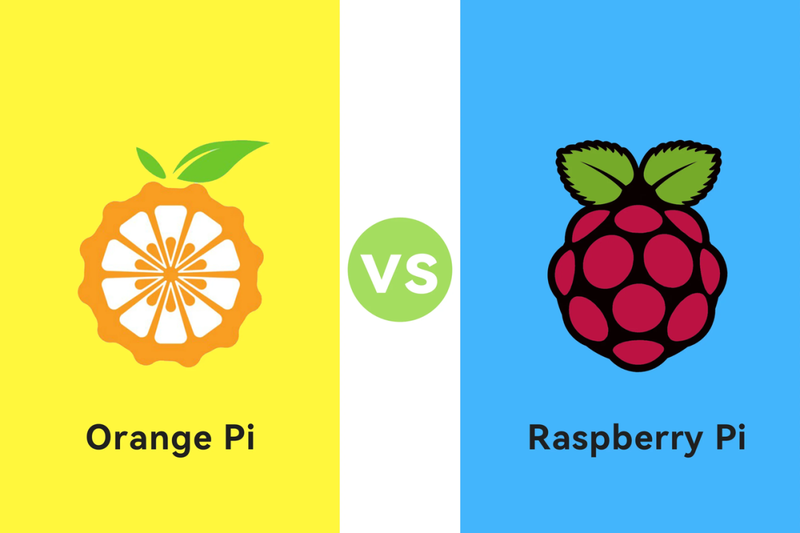
Learn how to decide between the Orange Pi Zero 3 and the Raspberry Pi for your project by considering factors such as performance, connectivity, software ecosystem, and cost.
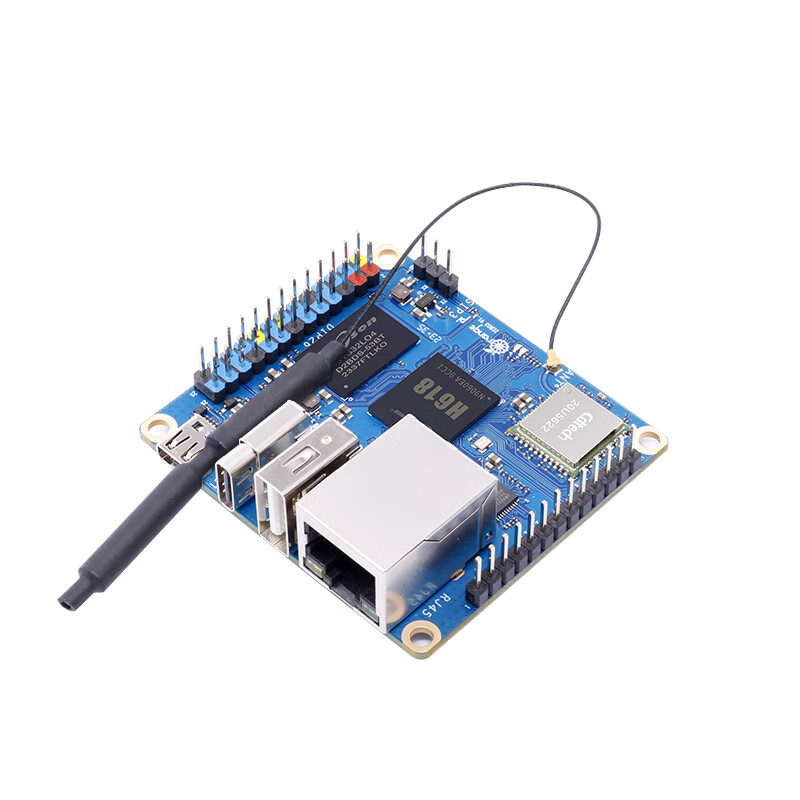
Explore whether the Orange Pi Zero 3 can run the Android operating system, considering its hardware compatibility, software support, and the challenges involved.

Explore the potential of using the Orange Pi Zero 3 in industrial automation applications, considering its hardware capabilities, connectivity, software compatibility, and the challenges it may face.
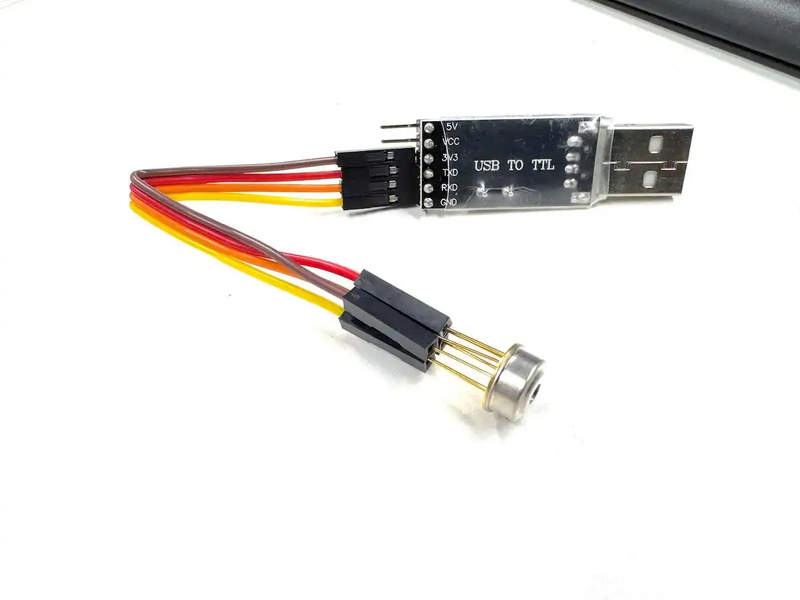
Learn how to build a temperature measuring device with GD60914U in a short time. Discover its excellent performance in scenario - based tests and understand why UART interface is the future of smart hardware.